

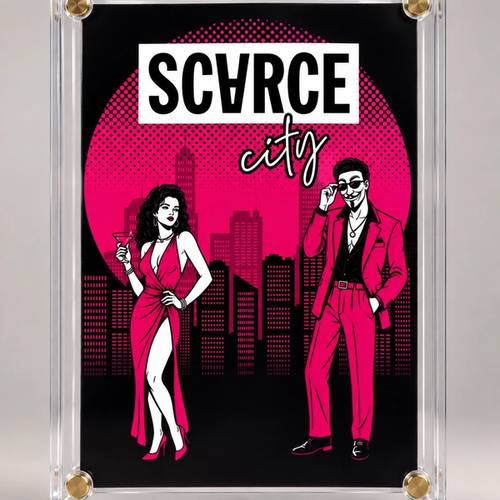
Scarce City, The Game: Genesis Card
Explore 2 items across sales in this collection.
Live Room
Collection chat
Bidders, collectors, and VIPs can talk in real time while the drop is live.
Guests can follow. Bidders can post.
Scarce City, The Game: Genesis Card Chat
Real-time conversation for bidders, collectors, and VIP members during the drop.
Loading live room
Bringing the collection room online now.
How It Works
HOW TO PLAY
1. Enter the city Click the game to play. Choose a display name, then move with WASD or the arrow keys. Press Space to shoot; a hit sends the other player to a new spawn point.
2. Find an available mint block Explore the map and look for an open block. Touch it, then press E or Enter—or click the block—to claim.
3. Reveal your edition A successful claim privately reveals the edition assigned to that block and opens checkout. Other players only see that the block is pending.
4. Start checkout within five minutes Each claim reserves one edition. You may release it before checkout starts; if the reservation expires, the block returns to the game.
5. Pay to secure it Complete checkout with Bitcoin, Lightning, or PayPal (credit card). Ownership is final only after payment confirms; then the edition is revealed publicly.
GOOD TO KNOW
- No account is required to play. Buyer details are collected during checkout.
- You may hold only one active edition at a time.
- If an unpaid checkout expires while the sale is live, the edition can return to the game.
- The race stays open until the sale ends or every edition is secured.